Visual novel system
A downloadable tool for Windows
Visual Novel System is a system for creating visual novels in Unreal Engine 5.7.
The system is designed to simplify the development of visual novel-style games in Unreal Engine. Most dialogue content is written through Data Tables, while game events, choices, characters, sounds, and UI behavior are controlled using simple commands and Blueprint logic.
System Advantages
- Data Table-based dialogue
All game text is written through a Data Table.
This makes it easier to organize dialogue, edit scenes, structure story events, and work with large amounts of text in one place.
Dialogue text uses the Text type, which allows the system to support localization.
- Built-in save and load system
The system includes a built-in save and load system.
This allows the player to save progress and continue playing later.
- Basic UI included
The system includes a basic user interface:
- Main Menu
- Settings Menu
- Save Menu
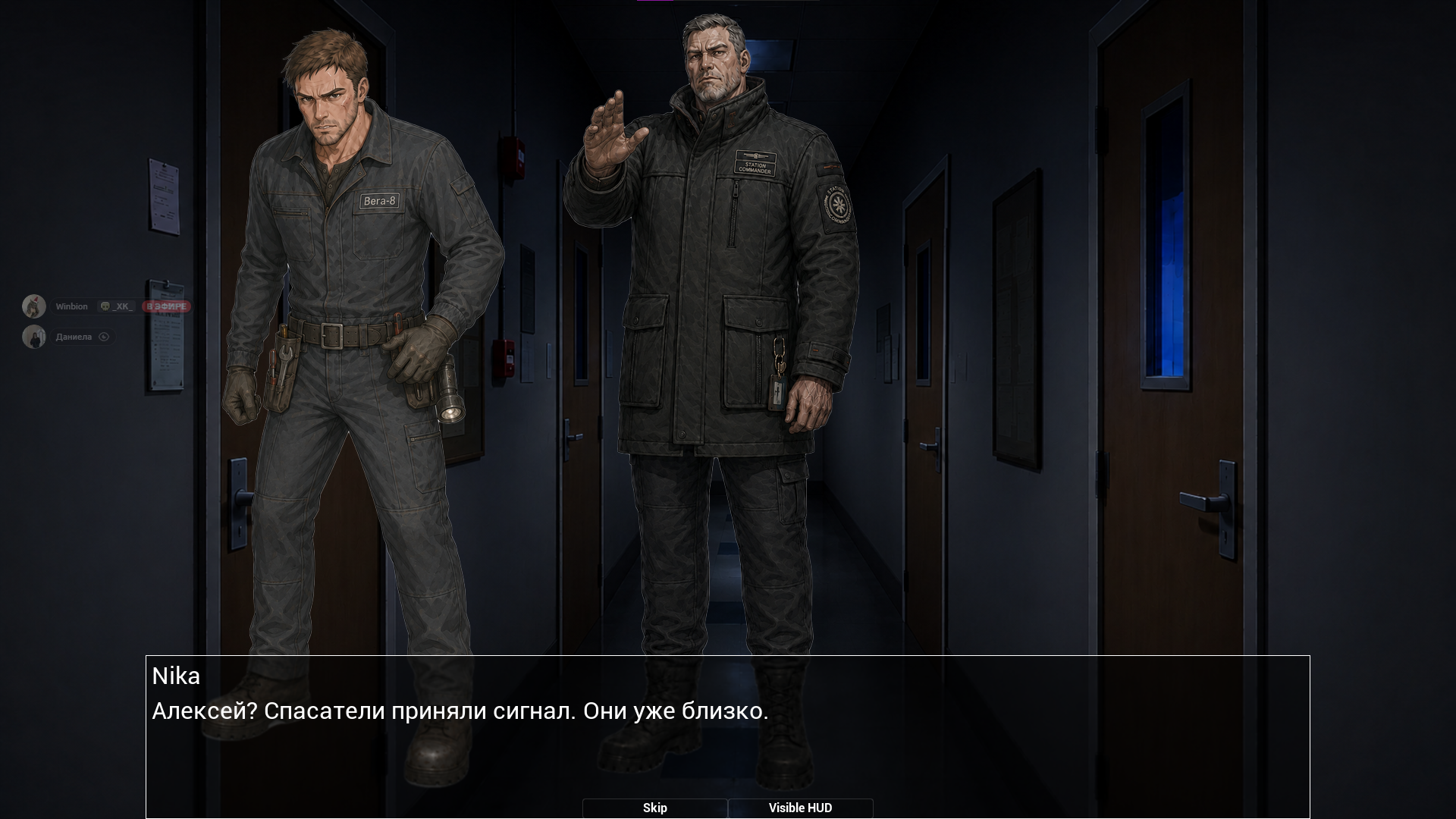
- Dialogue Window
- Pause Menu
- Backlog
- Settings
The settings menu includes basic player options, including language switching.
- Custom variables
The system includes CustomVariable — a variable system that allows you to create and edit variables without creating separate custom commands for every case.
Supported variable types:
IntFloatStringBool
Basic variable commands:
<CreateVar/VarName:VariableType><AddVar/VarName:Add><SubVar/VarName:Sub>
The CustomVariableInspector menu allows you to create, modify, and view variables that already exist in the game. It is mainly used for development and debugging.
- Character system
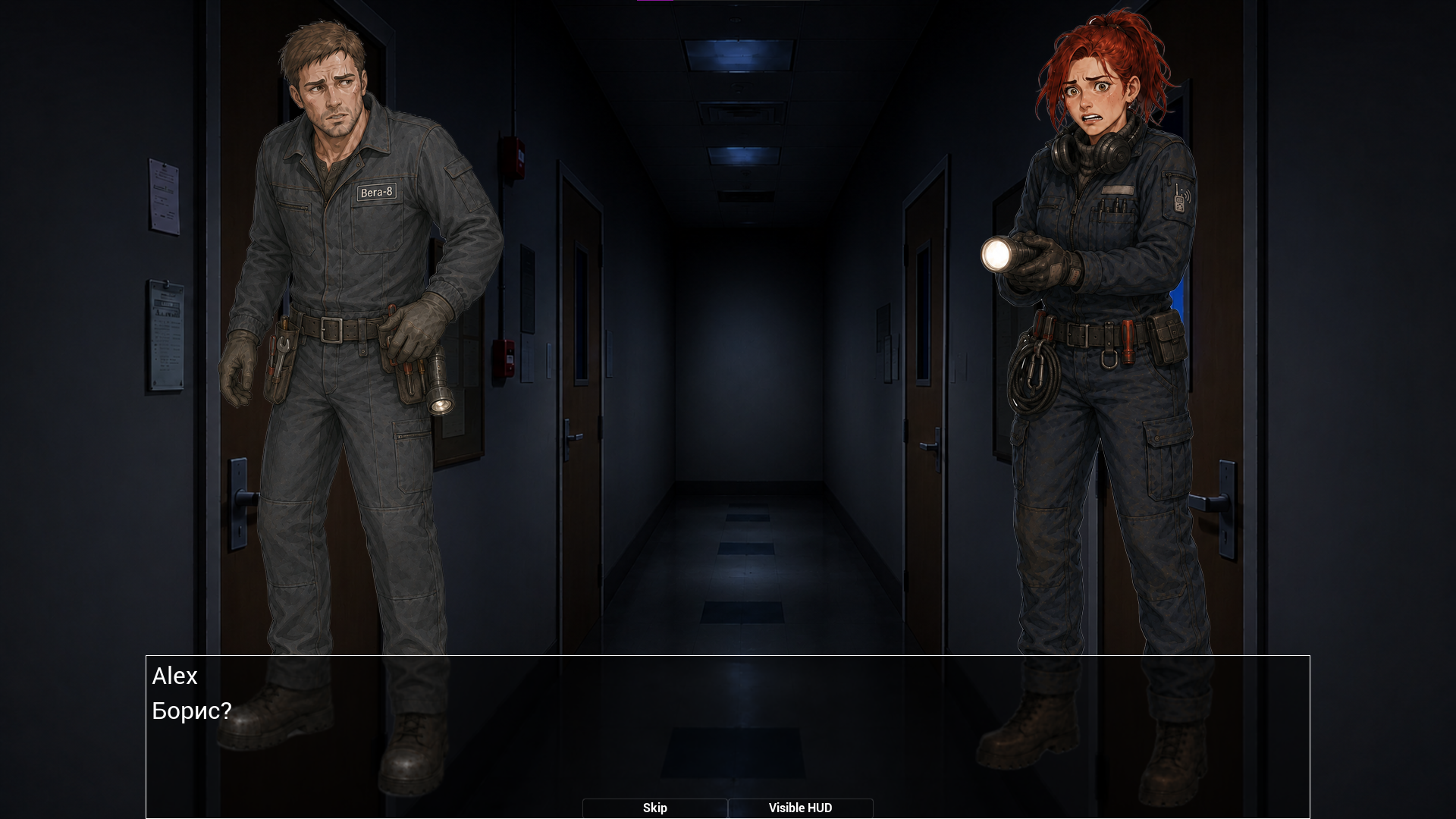
Characters can be added to the scene using simple commands.
The character system supports:
- Adding characters to the scene
- Removing characters from the scene
- Changing a character’s pose, clothes, and emotion
- Basic character animations
- Time-based character animations
- Highlighting the character who is currently speaking
When a character is speaking, they can be visually highlighted by increasing their size.
- Dialogue system
The dialogue system includes:
- Character-by-character text display using RichText
- RichText support
- Backlog
- Text skipping with configurable behavior
- Support for simple commands
- Choices and choice consequences
- Timed choices
Commands and background changes are executed before the dialogue text starts displaying.
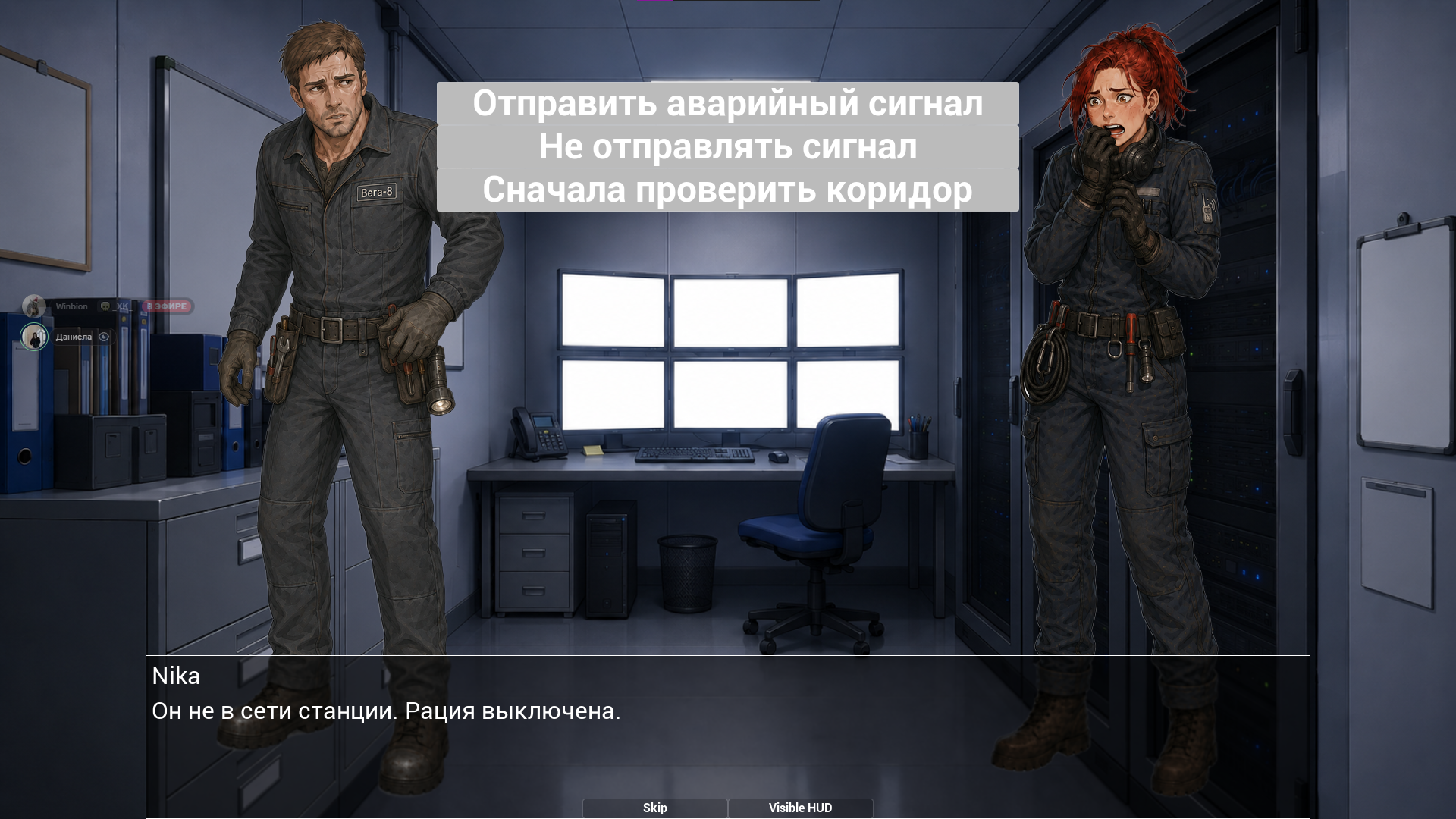
- Choice system
The system can create choice buttons using a simple command:
<Choice/ButtonName:NameEvent>
You can and should write several of these commands in a row to create multiple choice options.
You can also write multiple buttons inside a single command using the / symbol to create several choice options at once.
This command creates a choice button with text and passes the selected event name.
For a choice to affect the game, you still need to connect your own logic in Blueprint.
Usually, this is done through a simple Switch, where each choice event name leads to its own logic.
The system also supports automatic choices:
<ChoiceAuto/NameEvent>
This command automatically triggers the selected event.
Choices can also be limited by time.
- Sound system
The system can play sounds using a Data Table.
Supported command:
<PlaySound/NameSound>
This command plays a sound through DT_Sound.
- UI animations and interaction
The system includes basic animations for opening and closing the HUD and pause menu.
Choice buttons can expand sideways when hovered with the mouse, and wrapped text inside choice buttons tries to use as much horizontal space as possible.
Additional Information
To open the DevMenu, press the Enter key 5 times in a row.
Demonstration game
The system includes a demonstration game that shows how Visual Novel System can be used in practice.
The entire system was created by one person as a technical experiment.
Download
Click download now to get access to the following files:
Development log
- VNS Update! V1.214 hours ago
Leave a comment
Log in with itch.io to leave a comment.